How Big a Home Backup Battery Do You Actually Need for an Outage?
Skip the marketing math. Size a plug-in home backup battery around what you need to keep running — measured in days, not hours — and why surge rating matters more than the number on the box.
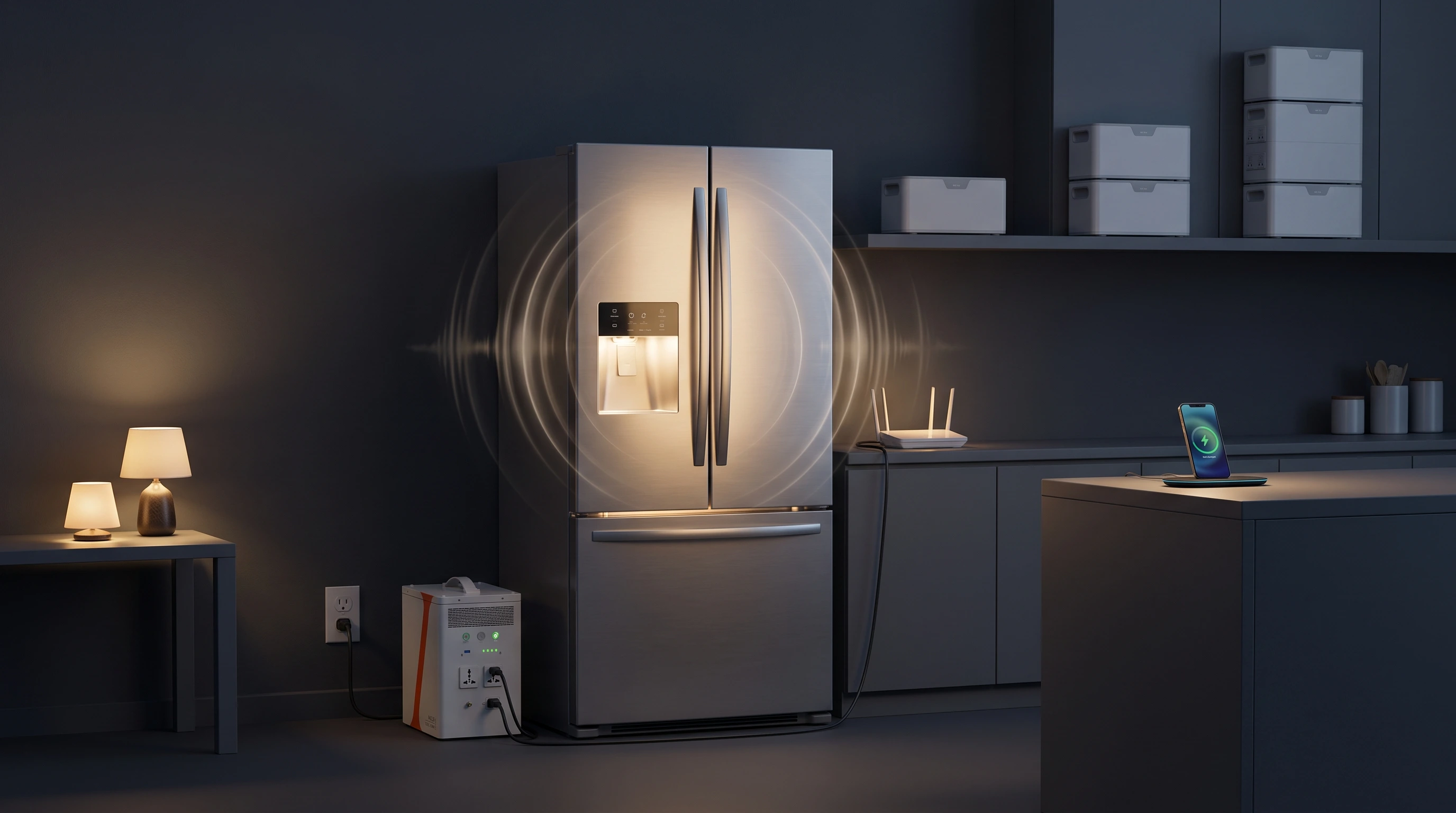
There's a specific kind of bad advice that dominates the home-backup market, and it goes like this: buy the biggest battery you can afford. It's bad advice for the same reason "buy the most expensive car" is bad advice. The right size isn't the biggest one — it's the one matched to what you're actually trying to keep running, for how long, without paying for capacity you'll never touch.
The problem is that batteries are sold in watt-hours, and almost nobody thinks in watt-hours. So let's translate.
Runtime is a story you tell in days, not hours
A watt-hour figure on a spec sheet is technically true and practically useless. The question you're really asking isn't "how many watt-hours does this hold" — it's "if the power goes out on a Tuesday, is my food still cold on Thursday?"
That's a days question. And the answer depends almost entirely on one thing: your refrigerator.
A fridge doesn't draw power steadily. Its compressor cycles on and off, so even though it might pull 100–200 watts while running, over a full day it averages somewhere around 1 to 2 kWh depending on the model, the ambient temperature, and how often you open the door. Add the small stuff most people want during an outage — phone and laptop charging, a couple of lights, a wifi router — and you land at roughly 1.5–2.5 kWh per day for a realistic "keep the essentials alive" load.
Which gives you a clean mental model:
| Capacity tier | Rough essentials runtime | Who it's for |
|---|---|---|
| ~2 kWh | About 1 day | Short, common outages; apartments |
| ~4 kWh | About 2 days | Most homeowners and renters planning for a real storm |
| ~8 kWh (expandable) | About 3–4 days | Multi-day resilience with room to grow |
Don't take the rounding as gospel for your specific setup. Your fridge, your climate, and your must-run list are different from the averages. The chart below uses a simplified 2 kWh/day essentials load so you can see the days figure at a glance — then run your own list through the calculator.
Chart
Chart unavailable
Runtime
Want days for your actual load list?
Drop in your fridge and essentials. The runtime calculator shows days-of-backup per unit — not a vague hour figure from a marketing page.
Free · No signup · ~30 sec
Prefer a guided path through capacity tiers and surge gates? Use the sizing wizard.
The spec nobody markets, and it's the one that fails you
Here's the trap. You do the math above, you decide a 2kWh unit gives you the day of runtime you need, you buy it — and it can't start your refrigerator.
This happens because appliances with motors and compressors don't just draw their running wattage. At the instant they switch on, they pull a surge — a startup spike that can be three to six times the running number. A fridge that hums along at 150 watts might demand 900–1,200 watts for the half-second its compressor kicks in. Air conditioners, sump pumps, and well pumps are worse.
Chart
Chart unavailable
Every battery has two output numbers: continuous watts (what it can sustain) and surge/peak watts (what it can handle for a moment). If your appliance's startup surge exceeds the battery's peak, the battery trips instead of starting it. All that capacity you paid for is irrelevant — the thing never turns on.
This is why GridMatch's tools have a hard rule most comparison sites don't: when your appliance's surge exceeds a unit's peak output, we show you "won't start," not an optimistic runtime. A battery that can't start your fridge shouldn't get a friendly number next to it just because it technically has the capacity. Check yours before you buy anything:
Surge
Will it actually start your fridge?
Compare refrigerator, sump pump, space heater, and window AC surge against continuous and peak output before you fall in love with a capacity number.
Free · No signup · ~20 sec
Match the size to the person you actually are
Capacity tiers make more sense once you attach them to a real situation. Here's roughly where most people land.
You rent, or you live in an apartment or condo
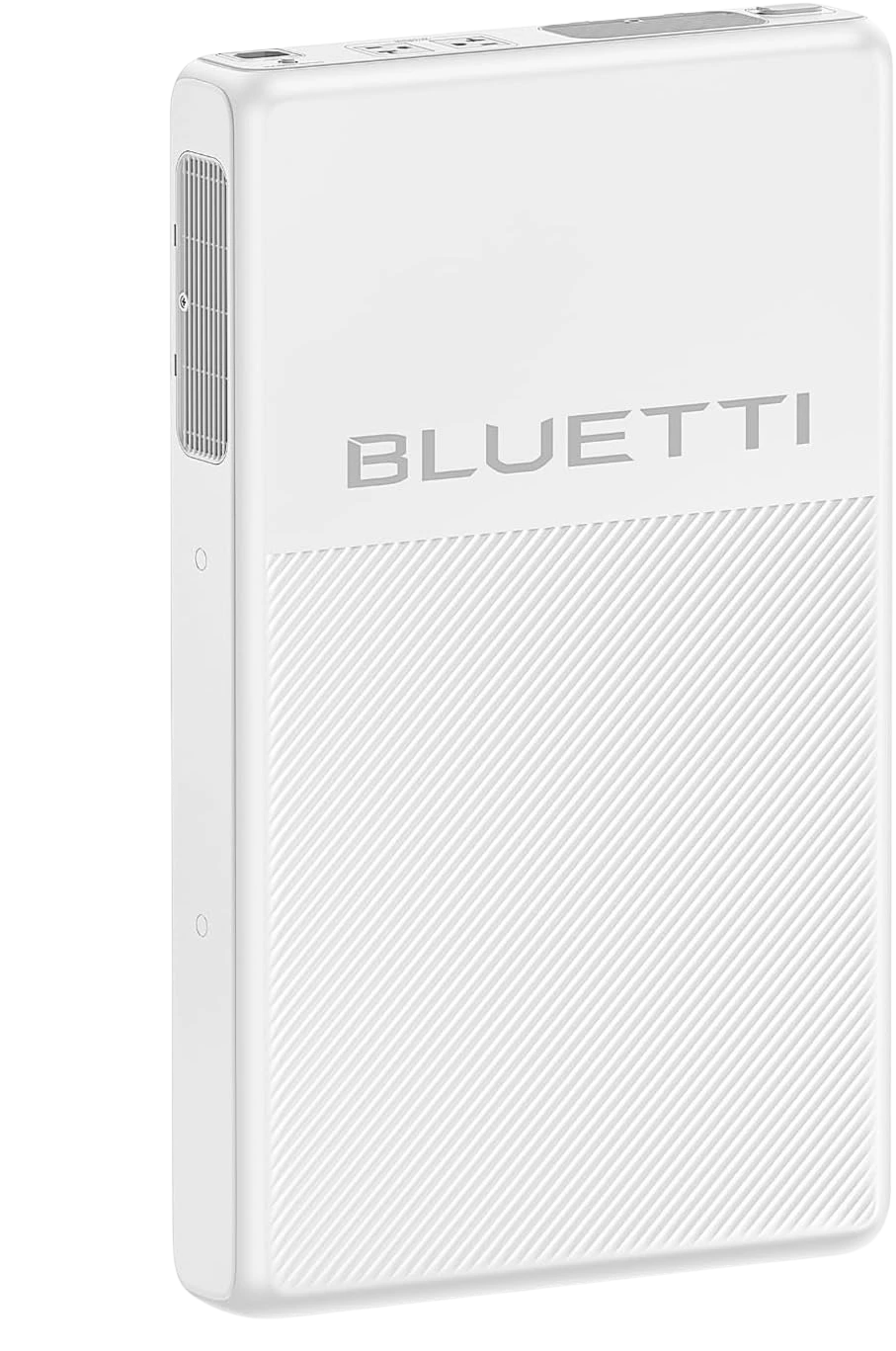
You can't hardwire anything, and you shouldn't have to. You want a plug-in unit that lives in a closet and powers your fridge plus a few essentials off a standard wall outlet — nothing touching the breaker panel. A unit in the ~2kWh range, like the Bluetti FridgePower (2,016Wh base, 1,800W continuous / 3,600W surge, expandable to ~8kWh with add-on modules), is purpose-built for exactly this: slim, plug-in, and rated to actually start a fridge compressor. One day of essentials out of the box, more if you add a module.
Bluetti FridgePower
3 configurations
2.02–8.06 kWh ultra-slim LFP, 1800 W, ~10 ms UPS — fridge/apartment backup.
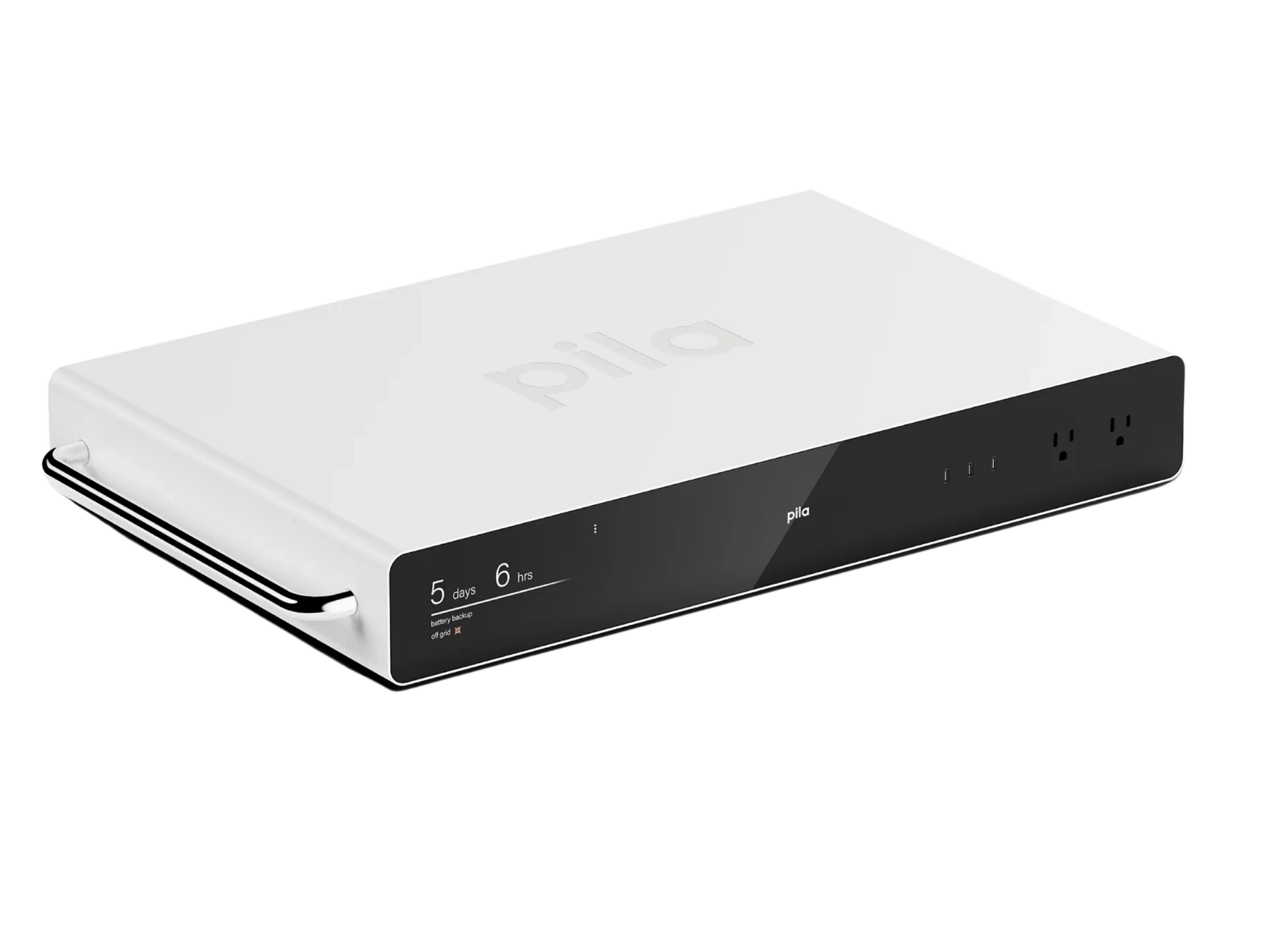
The Pila Mesh sits in the same plug-in lane — slim essentials backup without panel work:
Pila Mesh Home Battery
1.6 kWh plug-in LFP mesh backup, 2400 W, ~10–20 ms UPS — apartment / essentials.
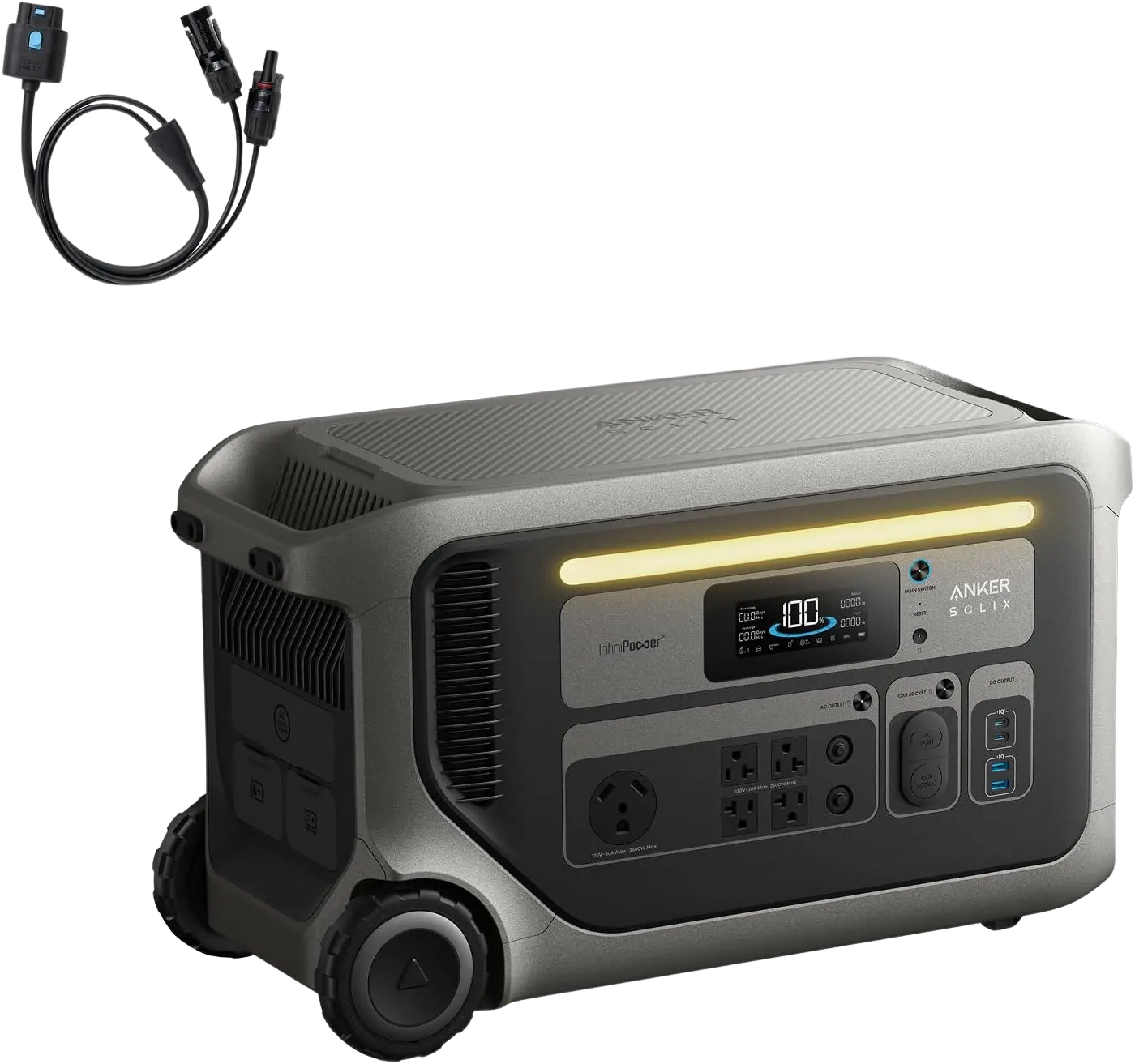
You can compare those apartment-friendly picks side by side here:
Prices are approximate.
Some links may be affiliate links. GridMatch may earn a commission if you buy through them, at no extra cost to you.
You own a house and want real multi-day resilience
You have room for something bigger and you're planning for storms, not brownouts. This is 4kWh-and-up territory — EcoFlow's DELTA Pro line, Anker's SOLIX F-series, Bluetti's larger AC units. These run more circuits, longer, and most are expandable so you can buy the base now and add capacity later. Two-plus days of essentials, and enough continuous output to run several things at once.
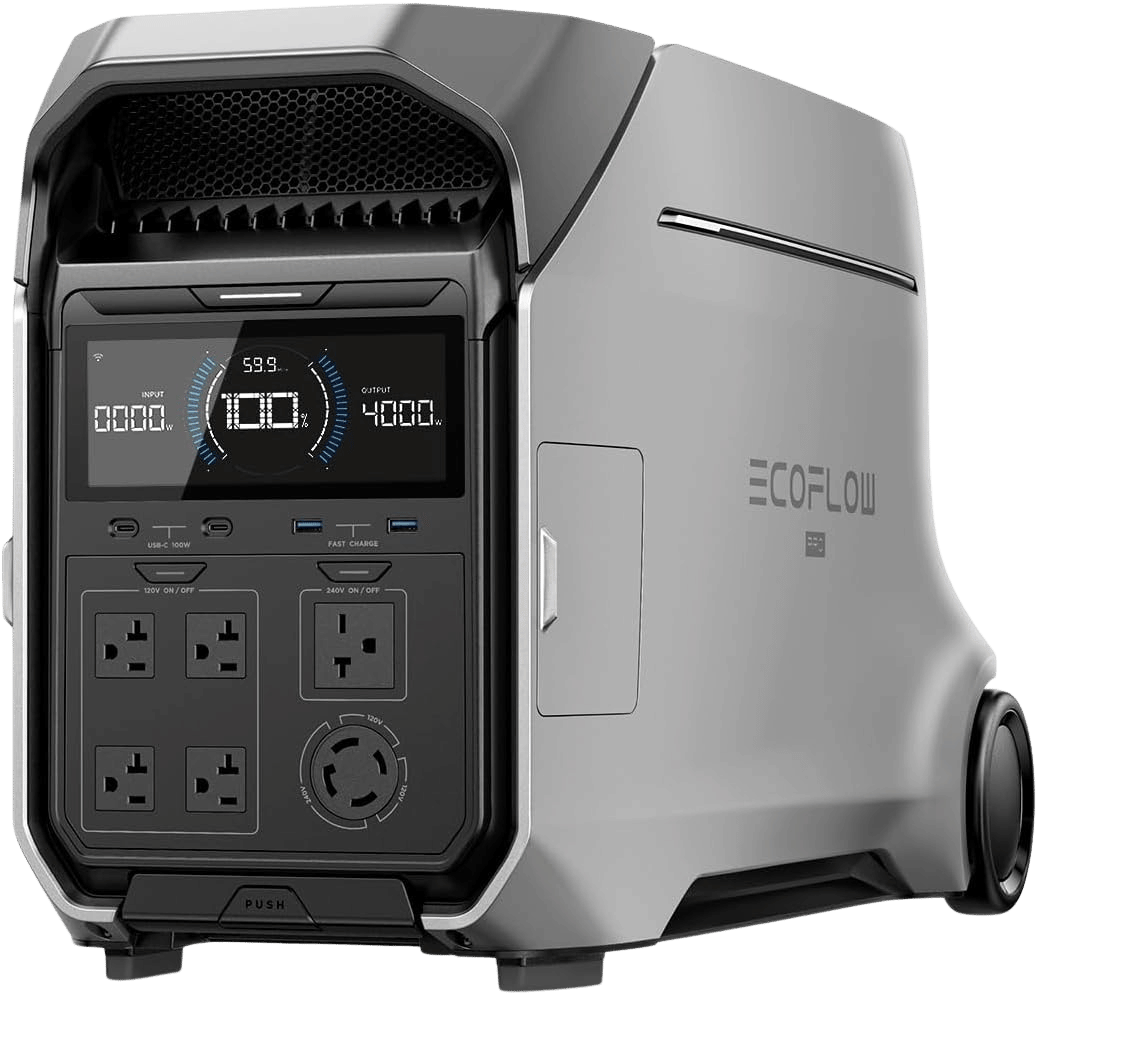
EcoFlow DELTA Pro 3
2 configurations
4.1–12.3 kWh LFP (single-unit stack), 4000 W / 8000 W surge, true 120V/240V, ~10 ms UPS.
You want to back up much of the house at once
Now you're asking about 240V output — central AC, an electric range, a well pump — which means high continuous wattage and, usually, a transfer switch and a professional install. That's a different purchase with a different risk profile, and it's the edge of what a plug-in comparison site should send you toward without a licensed electrician in the loop.
You can filter the whole catalog by exactly these situations — capacity tier, brand, apartment vs. house vs. whole-home, and whether a unit does 240V — on the comparison page. Or jump straight to best for apartments when you know you can't touch the panel.
One thing we deliberately don't do
We don't publish runtime figures for medical devices — CPAP machines, oxygen concentrators, anything someone's health depends on. Not because we can't do the arithmetic, but because being off by a little on a fridge means warm milk, and being off by a little on an oxygen concentrator means something far worse. That's a margin of error we're not willing to own in a comparison tool. If you're backing up a medical device, size it with the device manufacturer and your clinician, not a website.
That's the same principle behind the whole site: we'd rather tell you a battery won't start your fridge, or that we won't guess at your CPAP, than hand you a confident number that gets you into trouble.
So, what should you buy?
Work it backwards, not forwards:
- List what must stay on. For most people that's the fridge, then phones/laptops, a few lights, and wifi.
- Run it through the calculator to get your real daily draw and the days-of-backup figure for the units you're considering.
- Surge-check the fridge against any unit before you fall in love with its capacity number.
- Pick the tier that matches your days target — ~2kWh for a day, ~4kWh for two, expandable if you want headroom to grow.
- If you rent or can't touch the panel, stay in the plug-in category. If you need 240V whole-home coverage, get an electrician involved.
Do that and you'll buy the right size once, instead of the biggest size out of anxiety — or the cheapest size and discovering during the next outage that it won't turn your fridge on.
Related guides
These guides cover adjacent buying scenarios worth comparing.
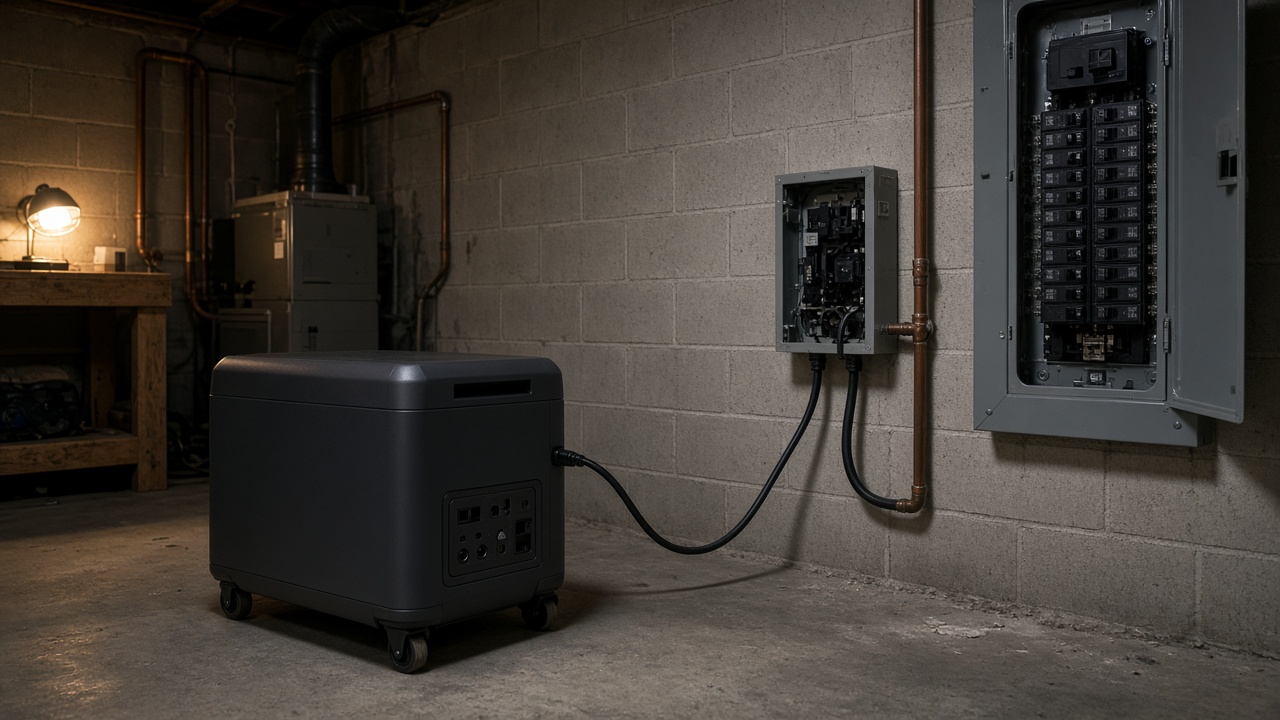
Do You Need a Transfer Switch for a Home Backup Battery?
A home backup battery is not automatically a backup system for the house. The overlooked decision is how power reaches the appliances: cords, a selected-circuit transfer switch, or an installed whole-home path.
Read guide
Best Apartment Backup Batteries for Fridge, Wi-Fi, and Work-From-Home Outages
Apartment backup is an outlet-level problem, not miniature whole-home backup. The right battery must handle refrigerator startup, keep internet gear online, fit safely indoors, and work without breaker-panel changes that a renter may not be allowed to make.
Read guide