Do You Need a Transfer Switch for a Home Backup Battery?
A home backup battery is not automatically a backup system for the house. The overlooked decision is how power reaches the appliances: cords, a selected-circuit transfer switch, or an installed whole-home path.
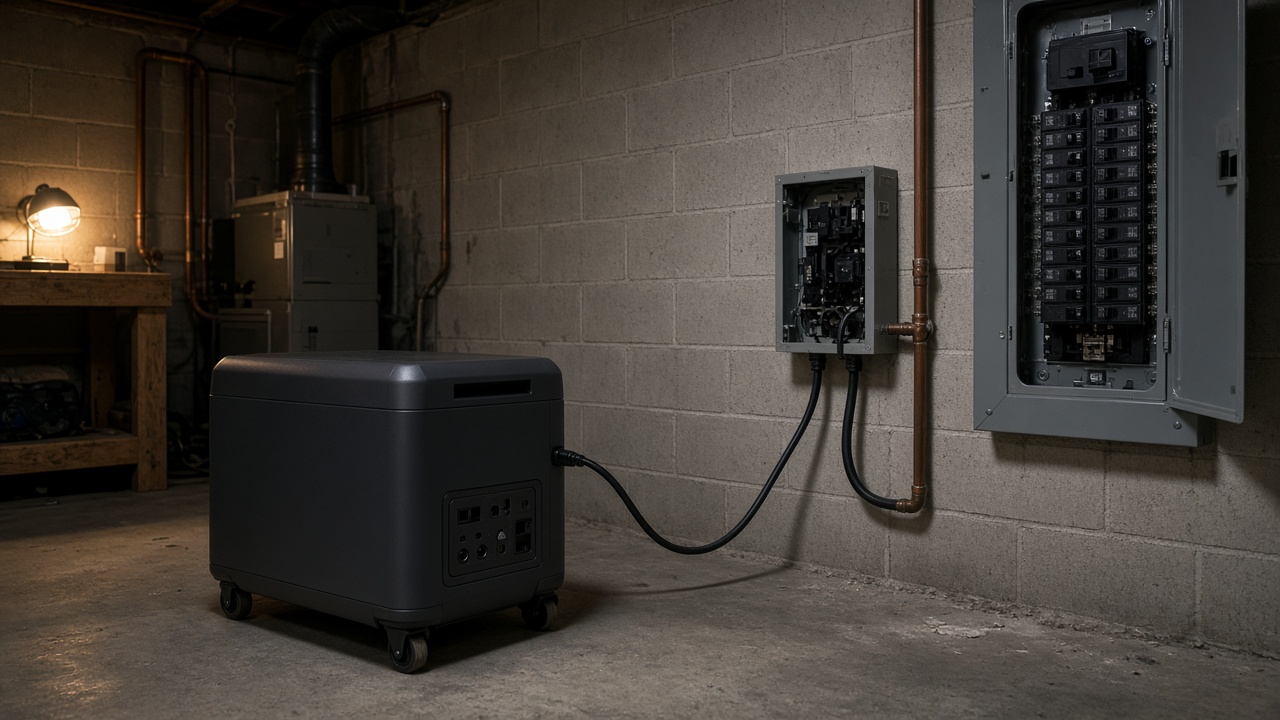
Safety first: never backfeed a panel through a dryer outlet, a wall receptacle, or a male-to-male cord. That can energize the utility line and kill a lineman. A transfer switch, listed interlock and inlet, or manufacturer backup panel exists to isolate the grid. This article is a buying guide, not wiring instructions. Panel work needs a licensed electrician, and in most places a permit.
You need a transfer switch when the battery should feed household circuits instead of appliances you can reach with a cord. You do not need one to run a refrigerator, router, or lamp from the battery’s AC outlets.
The battery’s kWh and wattage do not choose that path for you. A 7 kW station on extension cords is still plug-in backup. A smaller station on a selected-circuit switch can keep a furnace blower and sump pump alive because those loads are hardwired.
For surge math on pumps and blowers, see backup battery sizing for a sump pump and furnace blower. For 240V pumps, see can a home backup battery run a 240V well pump.
Sizing
Size your home backup
Use GridMatch’s sizing tool to estimate capacity and surge for the circuits you want backed up, then compare systems by transfer path, voltage, and installation before you call an electrician.
Free · No signup · Days, not hours
Quick take
- No panel work: plug the loads into the battery. Best for renters and a few 120V appliances. Nothing hardwired comes on.
- Selected circuits: a manual or automatic transfer switch for a defined group — fridge, furnace blower, sump, internet — without backing up the whole house.
- Whole-home or 240V panel backup: a professionally installed ATS, smart panel, gateway, or listed interlock and inlet. A 240V label on the battery is not the transfer equipment.
- Automatic vs manual: automatic is worth it when the house may be empty (sump, refrigeration, heat). Manual is cheaper if someone can flip the switch.
- Biggest mistake: buying capacity first, then discovering the battery cannot legally feed the circuits you care about.
The three connection paths
| Path | What it powers | Automatic? | Best for | Main limit |
|---|---|---|---|---|
| Plug-in cords | Appliances you can reach | No | Renters; fridge, Wi-Fi, lamps | No hardwired loads; trip and weather issues |
| Selected-circuit transfer switch | A defined set of breakers | Manual or automatic | Essentials without whole-home cost | Circuit count, voltage mix, inverter watts |
| Whole-home / panel isolation | Broader panel, including 240V if the inverter supports split-phase | Usually automatic on installed systems; interlocks are often manual | Homes that need 240V or unattended backup | Permits, load management, install cost |
A transfer switch (or a listed interlock and inlet, where code allows) isolates the utility before backup power reaches those circuits. That isolation is the point. It does not add kWh, continuous watts, or surge. An undersized battery can be wired perfectly and still fail to start a compressor.
Plug-in backup: when you do not need a switch
Keep the battery off the panel. Use properly rated cords to the refrigerator, modem, CPAP, or a power strip of small loads.
This is the realistic path for apartments and rentals. You cannot install a transfer switch on building wiring without the owner and an electrician. Do not treat a “home backup kit” as a renter accessory.
The tradeoff is labor and coverage. You will plug things in when the lights go out. A furnace blower, well pump, or hardwired sump does not have a plug to move. Typical station outlets are 120V; they will not create 240V for a well pump or electric range.
Selected-circuit transfer: the usual homeowner answer
A selected-circuit switch sends battery power to a written list of breakers. Manual means you change the source. Automatic (ATS or a brand smart switch) detects the outage and moves those circuits.
That is the right compromise when the goal is refrigeration, heat circulation, a sump, and communications — not the range, dryer, water heater, and every receptacle. It is also where people over-count circuits. Twelve 120V poles on a Jackery Smart Transfer Switch does not mean twelve loads can run at nameplate at once. The inverter’s continuous and surge ratings still cap the group.
List voltage on that circuit list. Most kitchen and lighting circuits are 120V. Some well pumps, electric furnaces, and air conditioners are 240V. Mixing them only works if the switch and the inverter both support that layout.
Whole-home backup: connection, not unlimited runtime
“Whole-home” means the isolation equipment can connect a broad set of circuits, often including 240V split-phase, and usually switches automatically. It does not mean every appliance can run for days.
Installed options include a manufacturer gateway or smart panel, an ATS, or — in some jurisdictions — a listed main-panel interlock with a power inlet. The electrician still has to confirm breakers, neutrals, grounding, fault protection, and whether the inverter is true split-phase 120/240V.
Large electric loads will empty a battery fast even when the inverter can start them. Plan to shed the water heater, dryer, range, and central air unless the system was sized and designed for them.
Size the battery after you choose the path
The switch does not change this math. Do it once, then pick hardware.
Daily energy (kWh) = watts × hours ÷ 1,000
A 500W combined load for eight hours is 4 kWh. For AC output, plan about 10–15% inverter loss, so roughly 4.4–4.7 kWh before idle draw and temperature. Two days at 3 kWh/day is 6 kWh before that derate — a “6 kWh” pack is the floor, not comfort.
Then check continuous watts (loads that may run together), surge watts (fridge, sump, furnace blower), and 120V vs 240V. Measured runtimes beat stacking nameplates as if everything runs all day.
Which systems match which path
These are connection examples, not a ranking of the biggest battery. Advertised maximum kWh often requires extra inverters.
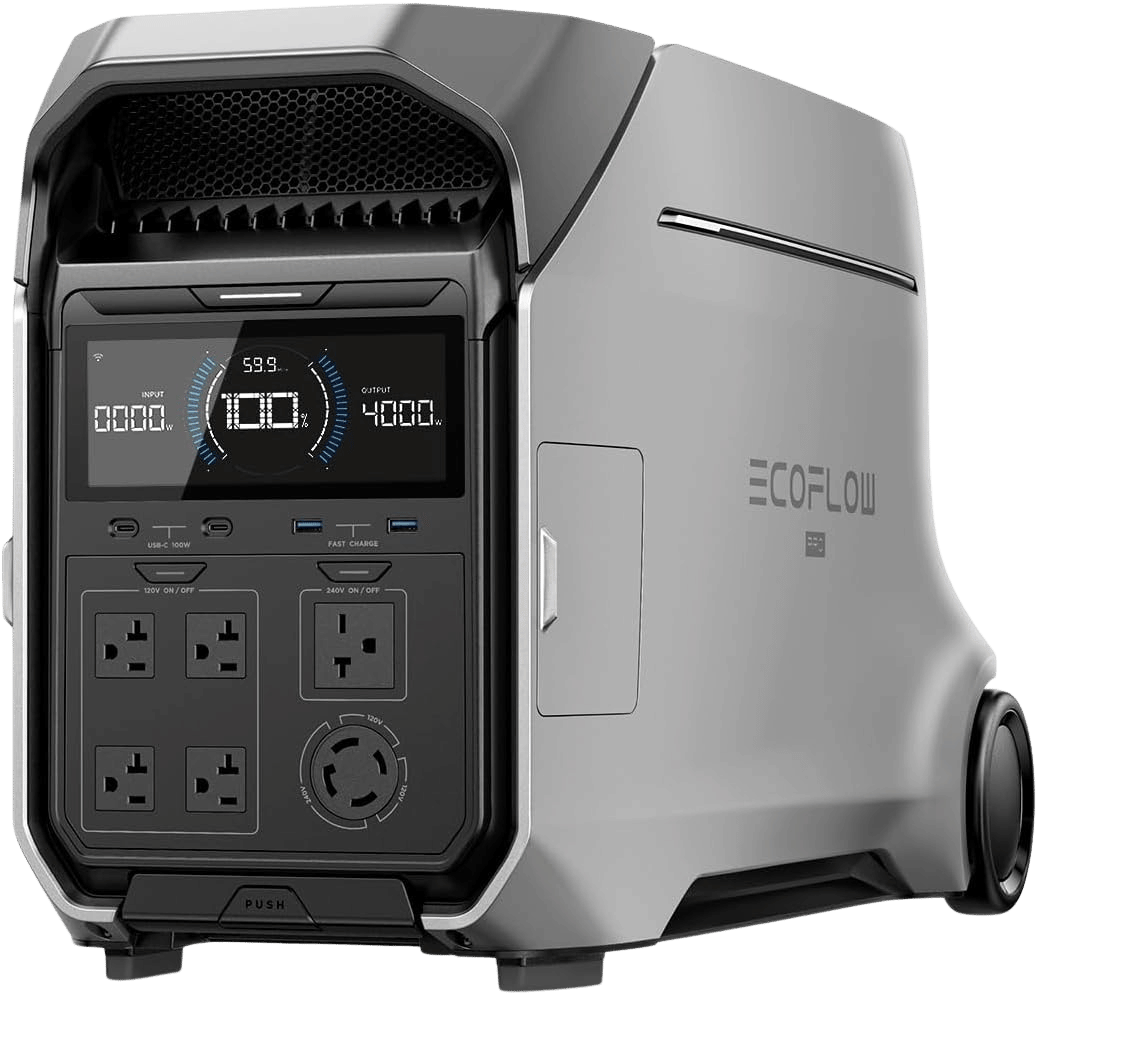
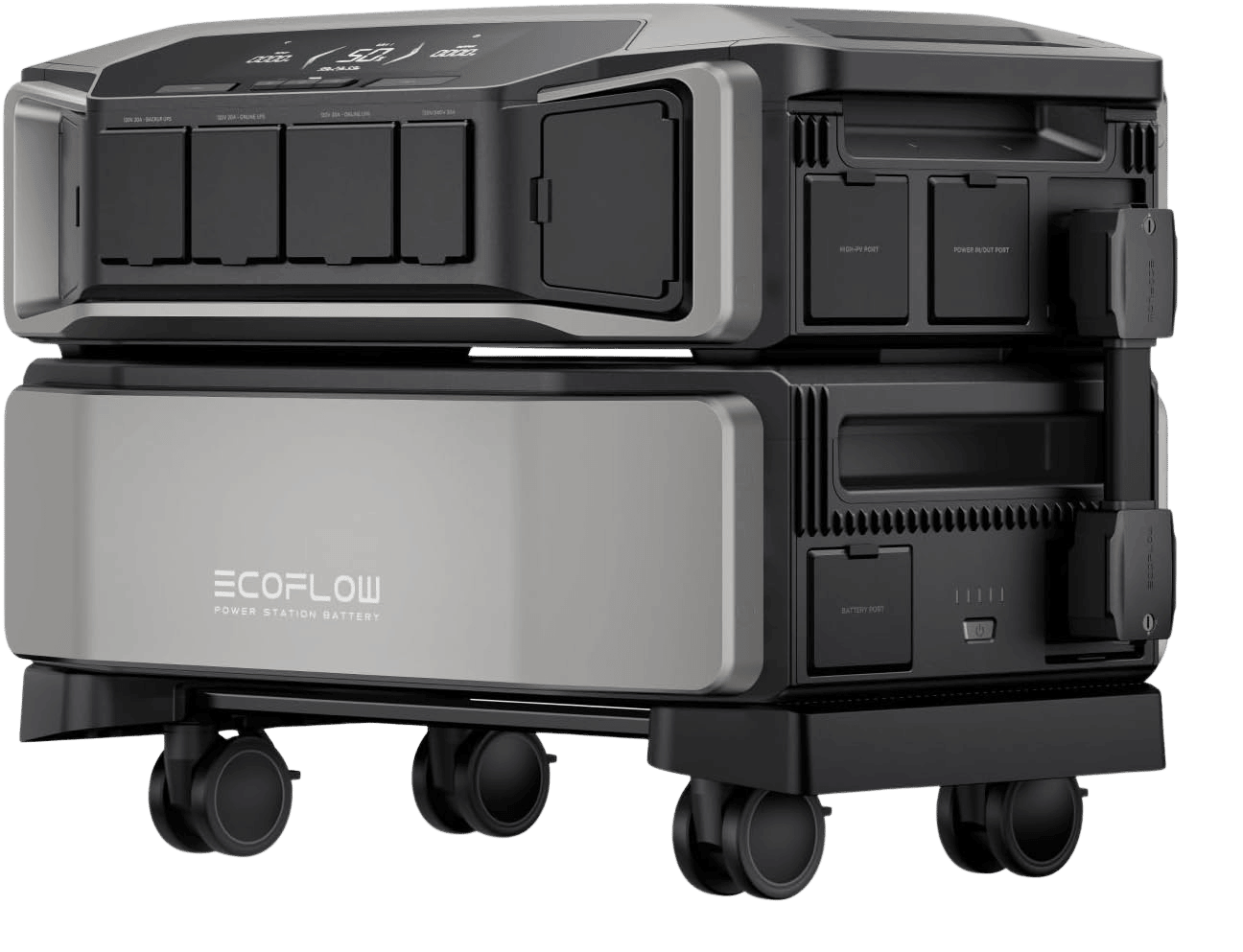
Plug-in or a later panel kit: EcoFlow DELTA Pro 3
Role: mobile 120/240V station that still needs a separate transfer path. 4,096Wh base, 4,000W continuous, 8,000W surge, about 113 lb. One unit plus two extra batteries reaches 12,288Wh — that is the practical stack. Native split-phase does not include automatic whole-home transfer. EcoFlow supports a Smart Home Panel, inlet, or manual switch as a separate install.
EcoFlow DELTA Pro 3
2 configurations
4.1–12.3 kWh LFP (single-unit stack), 4000 W / 8000 W surge, true 120V/240V, ~10 ms UPS.
Selected circuits, automatic: Jackery Explorer 5000 Plus
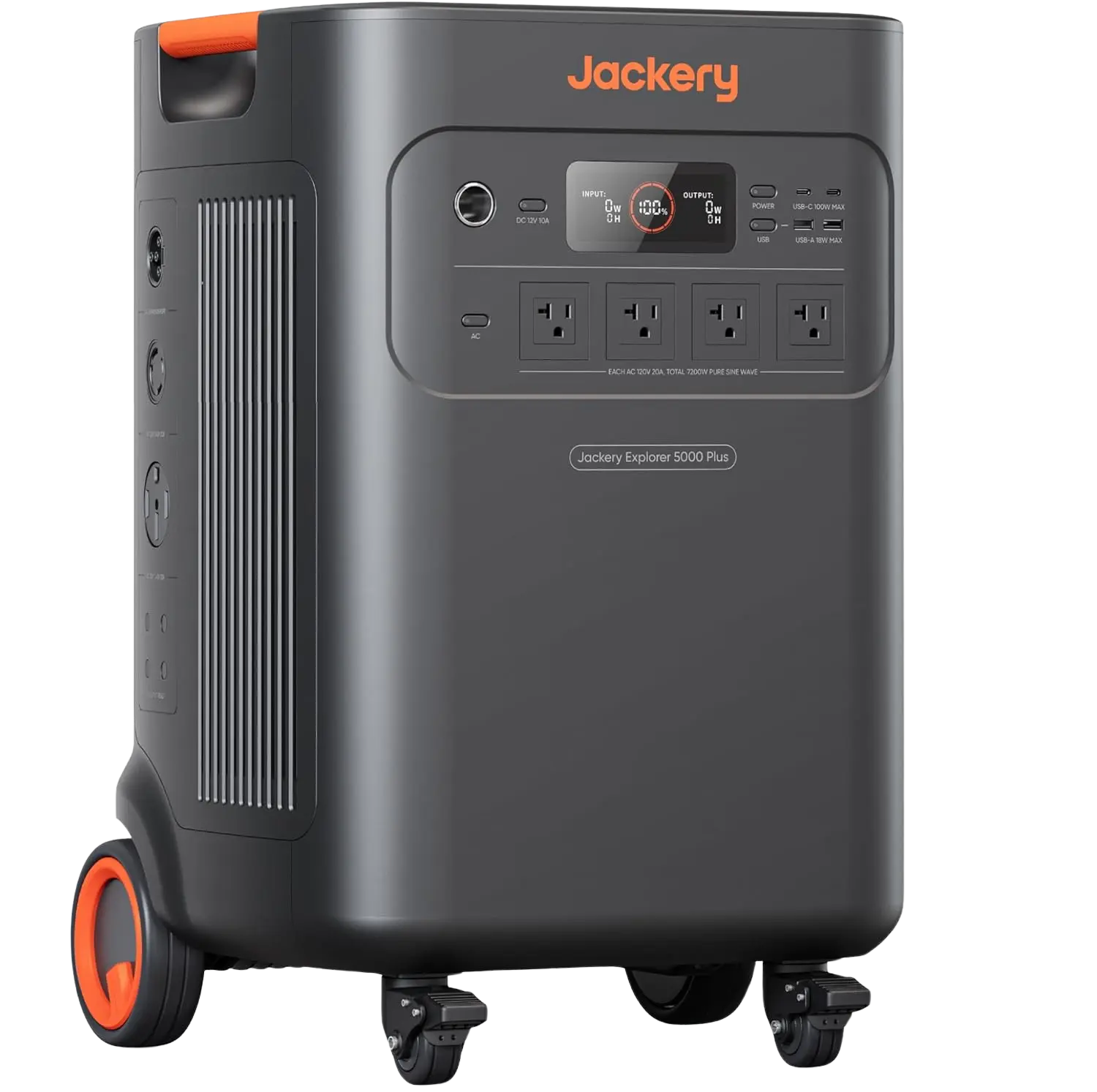
Role: best defined-circuit ATS among these portables. 5,040Wh, 7,200W continuous, 14,400W surge, native 120/240V. The Smart Transfer Switch automates up to 12 circuits at 120V or 6 at 240V — not the whole panel. The 60 kWh marketing figure is a two-unit system.
Jackery Explorer 5000 Plus
2 configurations
5.04–60 kWh LFP, 7200 W, 240V, STS selected-circuit automatic transfer (12×120V / 6×240V).
Selected or whole-home, manual: Anker SOLIX F3800
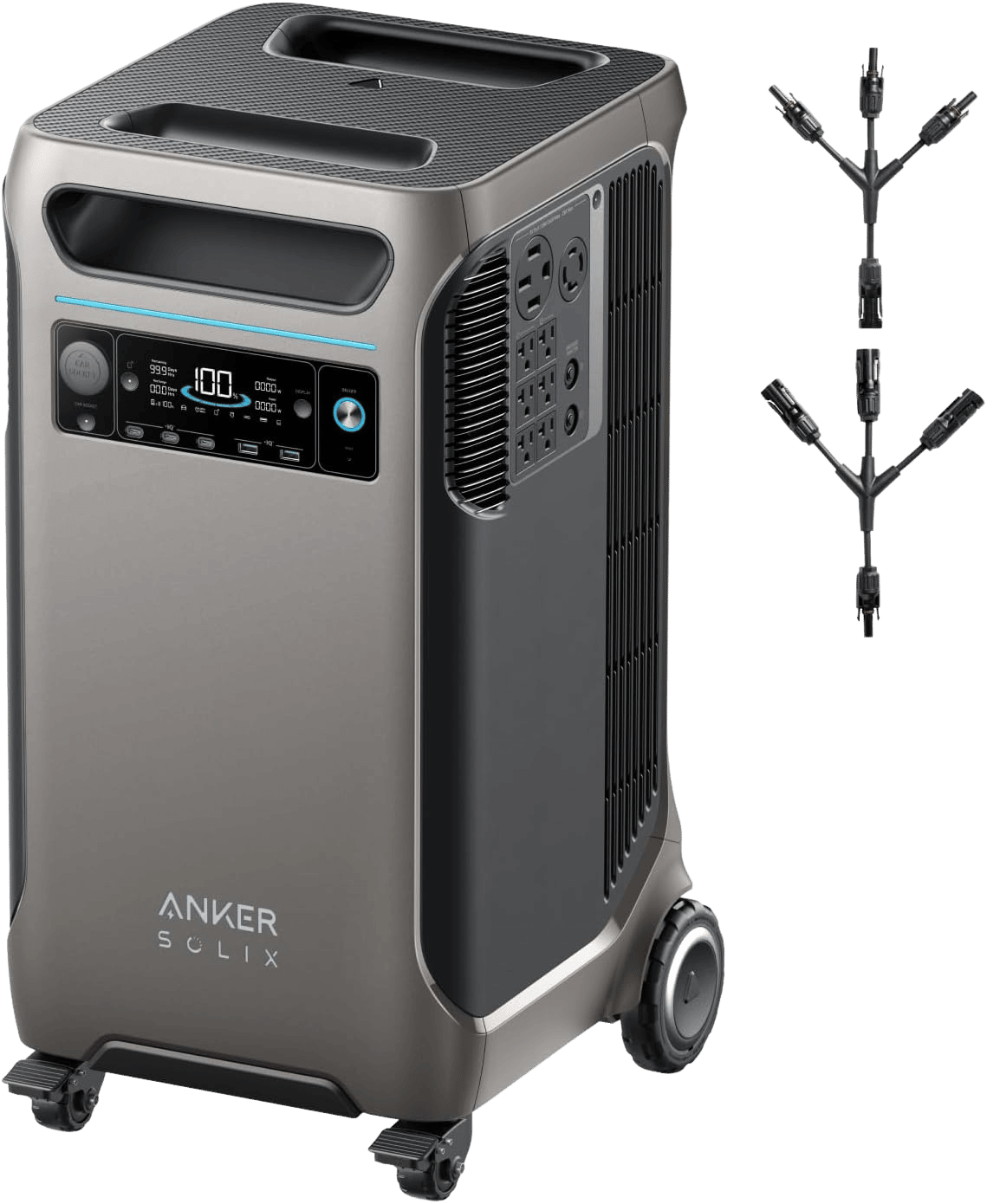
Role: 240V station with a flip-the-switch kit. 3,840Wh base, 6,000W continuous, 9,000W surge, expansion to 26.88 kWh on one inverter. The Home Backup Kit adds a BP3800 (about 7.68 kWh total) and a manual transfer switch. That is not automatic. Anker’s Home Power Panel is a separate, more integrated path if you want less hands-on switching.
Anker SOLIX F3800
3 configurations
3.84–26.9 kWh LFP, 6000 W, native 240V, expandable home backup.
Automatic panel path, still circuit-limited: EcoFlow DELTA Pro Ultra
Role: expandable 240V hardware with a smart-panel option. One inverter is 7,200W continuous, 10,800W surge, 6,144Wh per battery. Smart Home Panel 2 adds roughly 20 ms automatic transfer for up to 12 circuits, not a blank-check whole house. Station UPS on the outlets (0 ms) is not the same as panel transfer. 90 kWh / 21.6 kW needs three inverters and 15 batteries. EcoFlow’s larger Smart Home Panel 3 is a different installed path.
EcoFlow DELTA Pro Ultra
3 configurations
6.1–90 kWh modular LFP, 7.2 kW / 240V, ~2 h recharge, SHP2 auto transfer option.
Installed whole-home automatic: Tesla Powerwall 3
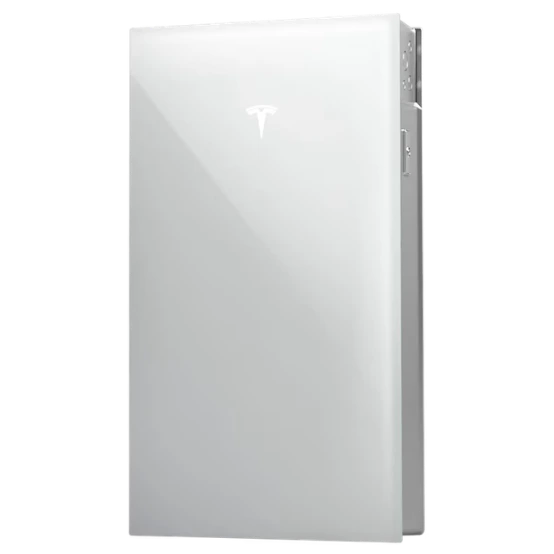
Role: the permanent ATS answer. 13,500Wh, 11,500W continuous, 240V, Gateway isolation, about 287 lb, no wheels. Expansion units can take storage to 54 kWh around one inverter without raising output. Tesla calls the transition seamless; do not treat that as a guaranteed 0 ms UPS on every device. Renters and anyone who wants a movable station should skip it.
Tesla Powerwall 3
13.5 kWh installed LFP wall battery, 11.5 kW, automatic whole-home backup.
Prices are approximate.
Some links may be affiliate links. GridMatch may earn a commission if you buy through them, at no extra cost to you.
Installation that changes the purchase
Apartment or rental: cords only unless the owner approves panel work. A transfer switch is building wiring.
Selected circuits: write the breaker list and voltages first, then match the switch’s pole count and the inverter’s watts. The Jackery STS numbers above are a ceiling on circuits, not simultaneous load.
Whole-home or 240V: professional path. Confirm true split-phase, not two unrelated 120V outlets. Confirm whether you are buying an ATS, a brand smart panel, a gateway, or an interlock and inlet.
Unattended house: pay for automatic transfer. A 0 ms or 10 ms UPS number on the station may not be the switchover time of the panel kit (~20 ms on several of these smart panels).
FAQ
Do I need a transfer switch for a battery backup?
Not if you only power appliances through the battery’s outlets. You need a transfer switch, listed interlock and inlet, or manufacturer backup panel when the battery should feed household circuits without backfeeding the utility.
Can I connect a portable power station directly to my electrical panel?
Not without a code-compliant transfer or isolation path designed for that battery. A large inverter does not make a jumper cord legal or safe.
Is a manual transfer switch better than an automatic one?
Manual is simpler if someone is home. Automatic is the better fit for sump pumps, refrigeration, and heating controls when the house may be empty. Neither increases battery capacity.
Can a transfer switch power 240V appliances?
Only if the battery, inverter, transfer equipment, and home wiring all support split-phase 120/240V. Adding a switch to a 120V-only station does not create 240V.
Does whole-home backup mean I can run everything?
No. It describes how broadly the system can connect. Runtime is still kWh. Electric heat, water heat, cooking, and air conditioning can burn a planned reserve in a short time.
Takeaway
Choose the connection first: cords for a few reachable loads, a selected-circuit transfer switch for hardwired essentials, or a permitted whole-home isolation path for automatic 240V coverage. Then size kWh and surge for that list. Buying the battery first is how people end up with a heavy box that cannot legally power the furnace.
Related guides
These guides cover adjacent buying scenarios worth comparing.
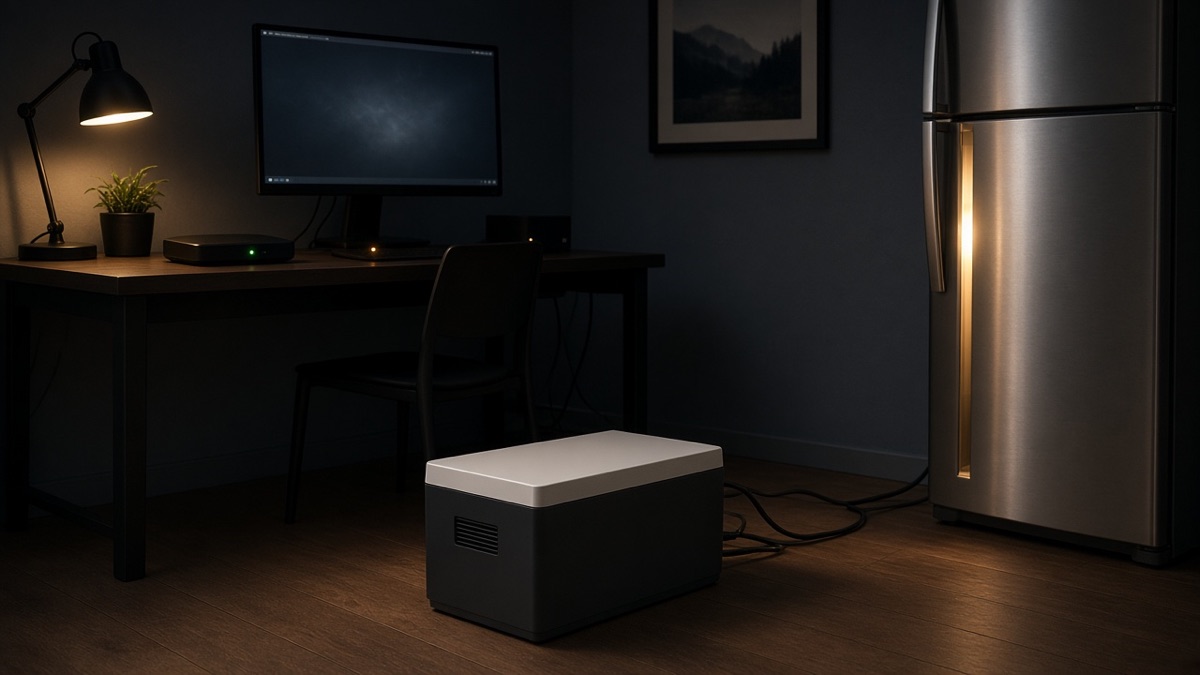
0 ms vs 10 ms UPS on Home Backup Batteries: What Critical Electronics Actually Need
A home backup battery can keep its outlets powered and still let a computer, router, or security device reboot when the grid fails. The important question is not simply whether a product has a UPS mode, but whether its switchover behavior matches the electronics you cannot afford to interrupt—and whether the battery can run them long enough to matter.
Read guide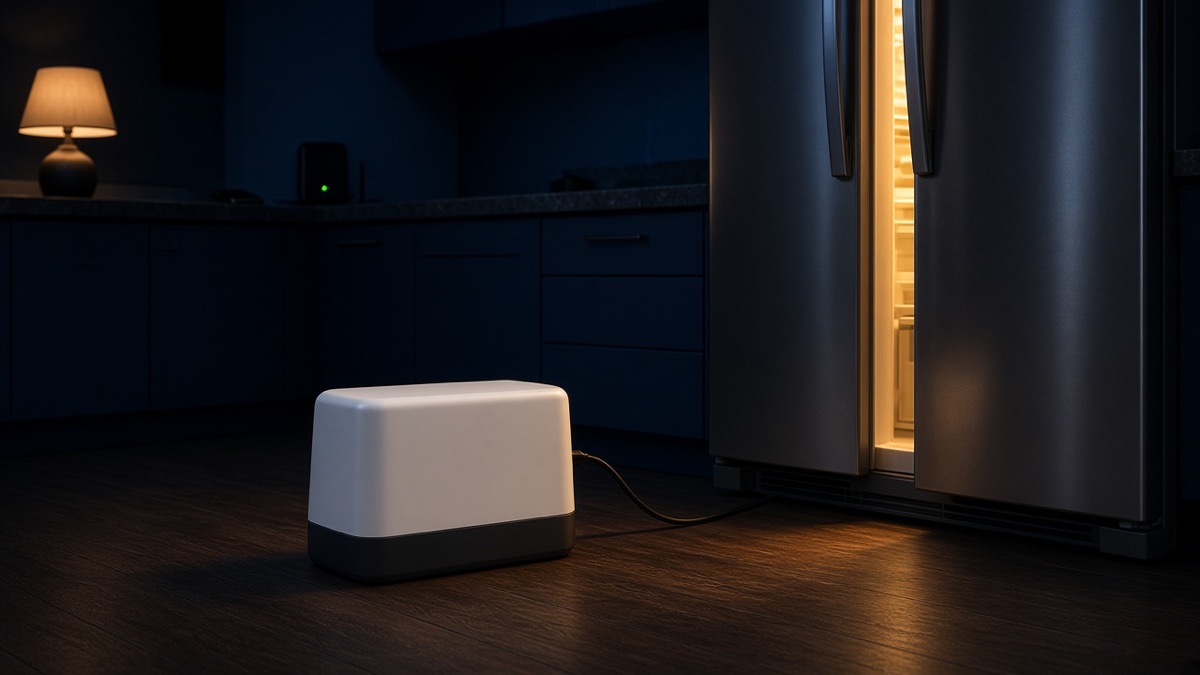
How Big a Home Backup Battery Do You Actually Need for an Outage?
Rated watt-hours are not the energy you can use. At a 2 kWh-per-day essentials load, an 85% inverter allowance makes a 2 kWh battery about 20 hours — and a weak surge rating can still refuse to start the fridge.
Read guide